The Photos on Your Website Are Doing More Selling Than You Think
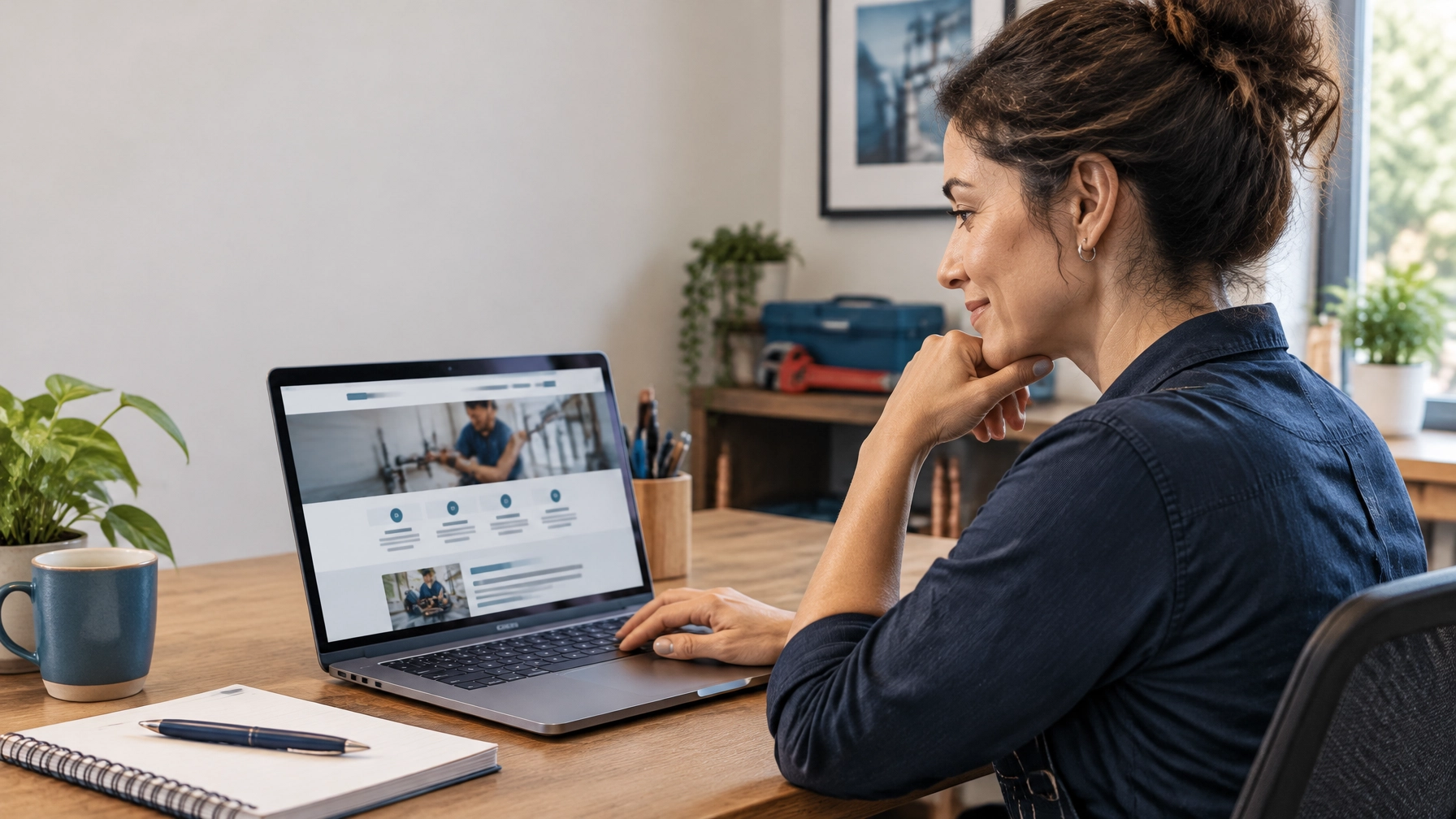
A visitor can read about your reliable service, careful workmanship, and friendly team, but a photograph lets them see something those claims cannot show: the people and work behind your business. For local service companies, that visual proof can make the difference between a visitor who feels ready to call and one who keeps looking. Your website is a virtual storefront window, and its photographs are often the first handshake before a conversation begins. Choosing and maintaining them with care is essential for building credibility and earning better-qualified enquiries.
- Show the real business, not a stock-photo version of it
When someone hires a contractor, cleaner, pest control company, or other local service provider, they are inviting people onto their property or into their business. Visitors want to verify that a real local business exists and get a sense of who may show up at their door. Photos of your team, vehicles, job sites, and finished work answer those questions with evidence rather than general promises.
A stock photo of a model in a hard hat does not show your crew. Observant visitors notice when the faces, uniforms, and settings on a website feel disconnected from the business itself. Genuine images give your firm a more credible first impression and help attract people who are choosing your actual services, rather than simply comparing vague claims.

- Start with a small set of useful photographs
A business does not need a large gallery to look real and established. When usable images are scarce, begin with a short list: the storefront or office exterior, two or three people on the team, a vehicle with its business signage, the service being performed, and a before-and-after pair from a finished job. These photographs establish who you are, where you work, and what a customer can expect.
Prioritize clear, current images over a large collection of random phone shots. A cleaning company might start with its team and a kitchen in progress; a fitness center might show a coach helping a member use equipment. A focused set gives visitors the context they need to make an informed enquiry and gives your website a more professional, consistent feel.
- Make the whole gallery look like one business
A gallery works best when its photographs feel like they belong together. Natural light, similar framing, tidy workspaces, and consistent colour grading create a simple visual style, so visitors see one coherent business rather than a patchwork of images gathered from different sources. That consistency supports a more polished impression without requiring elaborate production.
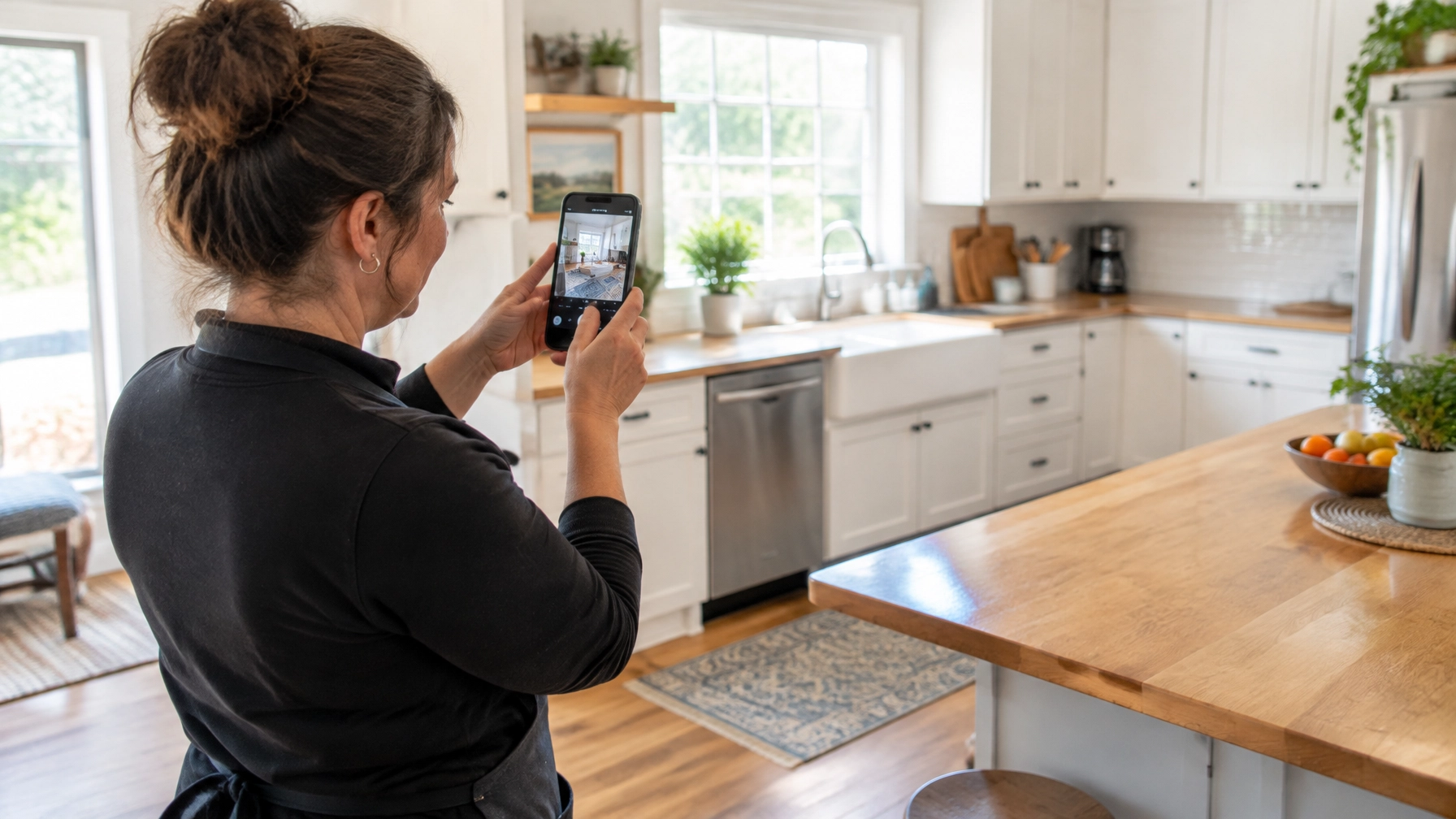
A phone camera in daylight is sufficient for many everyday business photos. Take a moment to clear clutter, choose a useful angle, and avoid harsh shadows. Professional photography is a worthwhile investment when the website is your main source of enquiries, because strong images can present your team and work with greater consistency across key pages.
- Show the process and the people, not only the result
A beautiful finished kitchen, clean office, or landscaped yard shows what a customer might receive. A photograph of the work in progress answers a different question: what will the visit actually look like? That distinction matters when a customer is considering letting a stranger into a home or business.
Show a team member preparing the work area, using equipment, or explaining a step to a customer, while keeping the scene tidy and respectful. These images make your service feel more familiar before the appointment and help reduce uncertainty. For your business, that can mean a more comfortable first conversation and enquiries from people who already understand how your team works.

- Use before-and-after photos fairly and with permission
Before-and-after photographs make the impact of a service easy to understand. They can help a homeowner judge whether a renovation, cleanup, or repair is relevant to their own needs, making enquiries better informed from the start. The comparison only builds trust when it is an honest representation of the work.
Ask the customer’s permission before publishing photographs of their property. Never stage a “before” photo that misrepresents the original condition or the work completed. Keep the same angle and framing for both images so the comparison is fair and your credibility is real.
- Resize images so they do not slow down a phone visit
A photograph straight from a modern phone can be several megabytes, often far larger than the space it occupies on a web page. A gallery of 5 MB originals can make a page slow to load on a phone, especially when a visitor is using a mobile connection. Slow-loading images create friction at precisely the moment a potential customer is deciding whether to call or send an enquiry.
Before uploading, shrink images to dimensions suited to how they will appear on the page and compress them to reduce their file size. Use modern formats such as WebP where your website supports them, while keeping image quality clear enough to show the work. This simple habit helps pages load faster and makes it easier for visitors to reach the information and contact options they need; web.dev’s image performance guide offers further technical detail.
- Give images clear file names and short alt text
Replace camera names such as IMG_4821.jpg with a short, descriptive file name, such as team-cleaning-kitchen.jpg. Write alt text as a plain description of what the image shows, not a list of search terms. For example, “Technician installing a water heater in a utility room” gives screen reader users useful context and helps search engines understand the image; Google’s image guidance explains this approach.
- Keep the gallery current and easy to update
Photos should reflect the business customers can hire now. Add recent work and seasonal examples, and remove images of discontinued services, old vehicles, or team members who no longer represent the company. Current photos help set accurate expectations and maintain trust when a visitor moves from the website to an enquiry.
An owner-editable WordPress site makes a gallery refresh a routine fifteen-minute job rather than a call to a designer. MastroTek provides business website management and website maintenance services that can help businesses keep site content, including photos, up to date. An easy update process means your website can keep pace with the work your team is doing.

- Reuse genuine photos across the places customers look
Use the same current, genuine photographs on your Google Business Profile and social posts, where real images can make your business feel more recognizable and credible than stock photos.
The photographs on your website are not decoration around the sales message; they are part of the message. Real people, real work, honest comparisons, and a current gallery help visitors understand your business, build trust, and make a more informed decision about contacting you. MastroTek builds flexible, owner-friendly websites designed to help businesses manage their online presence, and its website design services can help make your imagery work as hard as your words. Request a MastroTek estimate to discuss a website that presents your business with clarity and confidence.