
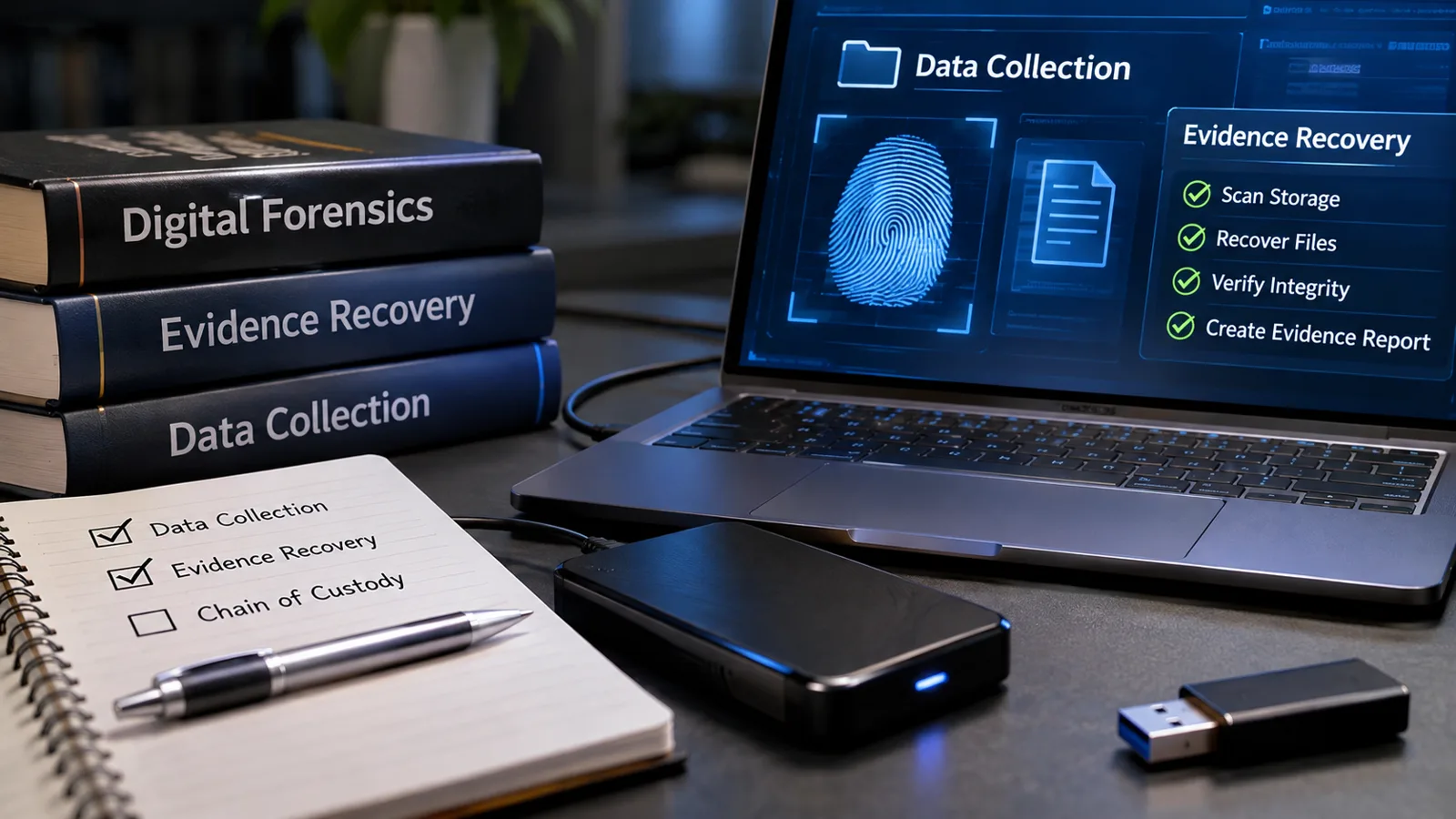
Almost everything a business does today leaves an electronic trail. Emails, text messages, documents, photos, cloud files, and system logs can all become critical in a lawsuit, an internal investigation, a business dispute, or a cyberattack.
The hard part is that this information is rarely sitting in one tidy folder. It may be deleted, damaged, buried among tens of thousands of messages, or spread across several devices and online accounts. That’s where data recovery, electronic discovery (eDiscovery), and forensic data collection come in: finding the right information, preserving it, and handing it over in a form attorneys and investigators can trust.
What is data recovery?
Data recovery is the process of retrieving information that has been deleted, damaged, corrupted, or otherwise made inaccessible. It can involve:
- Desktop and laptop computers
- Internal and external hard drives and solid-state drives (SSDs)
- USB flash drives and memory cards
- Smartphones and tablets
- Email accounts and archives
- Cloud storage
- Business servers and databases
- Backup systems
- Security camera and DVR systems
Deleting a file usually doesn’t erase it right away. On a traditional hard drive, the space is simply marked as available, and the old data stays there until something new overwrites it.
Recovery is never guaranteed, though. Modern SSDs use a feature called TRIM that tells the drive to clear deleted blocks, often within minutes, and most current phones and many computers are encrypted by default. Both can make deleted data impossible to recover. The best thing you can do when important data goes missing is stop using the device and get help quickly. Every minute of continued use can overwrite what you’re trying to save.
For everyday failures, such as a dead laptop, a clicking drive, or an accidental delete, see our computer repair and data recovery services.
What is electronic discovery (eDiscovery)?
eDiscovery is the process of identifying, preserving, collecting, processing, reviewing, and producing electronically stored information (ESI) for lawsuits, investigations, and regulatory matters.
Unlike data recovery, eDiscovery usually isn’t about deleted files. The challenge is finding the relevant information inside an enormous amount of existing data.
For example, a law firm handling a construction payment dispute may need years of email between the contractor, the owner, the architect, and the project manager. Instead of exporting every mailbox in full, a targeted collection can pull the messages that match agreed criteria, such as date ranges, the people involved, the project address, and terms like “change order,” “invoice,” or “schedule delay.”
That can dramatically reduce the number of documents attorneys have to read, and attorney review time is usually the biggest cost in discovery.
The Electronic Discovery Reference Model (EDRM) is the most widely recognized framework for this process. It breaks eDiscovery into stages: information governance, identification, preservation, collection, processing, review, analysis, production, and presentation.
When do you need these services?
Lawsuits and legal disputes
Attorneys rely on electronic records to build timelines, confirm who said what, establish contract terms, and support or challenge claims. Common examples include:
- Construction and property disputes
- Breach of contract
- Employment disputes
- Personal injury cases
- Insurance claims
- Business partnership disputes
- Intellectual property disputes
- Responding to subpoenas and discovery requests
If your business has just received a subpoena for email or electronic records, our eDiscovery and forensic data collection service is built for exactly that.
Internal investigations
Businesses sometimes need to look into suspected employee misconduct, fraud, leaked information, data theft, or policy violations. A properly authorized investigation helps establish what happened, who was involved, and when, with documentation to back it up.
Cybersecurity incidents
After a breach, digital evidence shows how the attacker got in, which systems and accounts were affected, and what data may have been exposed. Useful evidence includes sign-in history, network activity, system logs, suspicious files, and mailbox rules.
The National Institute of Standards and Technology (NIST) publishes guidance on using forensic techniques during incident response: NIST SP 800-86, Guide to Integrating Forensic Techniques into Incident Response. Once the investigation is done, ongoing managed IT and security helps keep it from happening again.
Accidental data loss
Not every recovery involves a lawsuit or wrongdoing. Accidental deletions, failed drives, corrupted files, and upgrades gone wrong can all wipe out important business records. Getting them back quickly limits downtime and cost.
How digital evidence collection works
Collecting evidence takes far more than copying files or searching an inbox. A structured process protects the integrity of the data and keeps the collection focused on what’s actually needed.
1. Identify and define the scope
First, figure out what information is needed, where it lives, and who controls it. That means identifying the relevant people, called custodians, along with their email accounts, devices, cloud storage, and other sources.
For legal matters, the scope should always be set with the attorney. A collection plan typically covers:
- Custodians
- Date ranges
- Search terms and keywords
- Specific email addresses or domains
- Project names and identifiers
- Document types
- Approved data sources
- Required delivery formats
A clear scope avoids collecting more than necessary, protects unrelated private information, and lowers review costs.
2. Preserve the data
Once potentially relevant information is identified, it has to be protected from changes, deletion, or loss. That can mean placing legal holds on accounts, turning off automatic deletion, securing devices, preserving backups, and making protected copies.
Preservation matters most when a lawsuit is pending or reasonably expected. In federal court, Rule 37(e) of the Federal Rules of Civil Procedure covers lost ESI. If information that should have been preserved is lost because a party didn’t take reasonable steps, and it can’t be replaced, the court can order measures to cure the harm. If the party lost it on purpose to keep it from the other side, the court can go further: tell the jury to assume the information was unfavorable, or even dismiss the case or enter a default judgment.
Preservation and collection are different things. You may need to preserve far more than you eventually collect and hand over.
3. Collect what’s in scope
Targeted collection pulls the information that falls within the approved scope. Searches can use:
- Keywords and exact phrases
- Boolean operators (AND, OR, NOT)
- Date ranges
- Sender and recipient filters
- Attachment and file-type filters
- File metadata
- Account and domain filters
Search terms should be tested and refined. A term that looks perfect on paper can return thousands of irrelevant hits, or miss messages that use a nickname or abbreviation.
4. Forensic acquisition and recovery
When a matter involves deleted files, damaged drives, or questions about whether a document is authentic, more specialized methods come into play:
- Logical acquisition: collecting the accessible files, folders, email, and metadata from an approved source.
- Forensic imaging: creating a bit-for-bit copy of an entire drive, including unallocated space where deleted data may still exist.
- File carving: scanning raw data for recognizable file signatures to recover files when the file system no longer points to them.
- Backup and snapshot recovery: pulling earlier versions of files from backups, cloud version history, or system snapshots.
- Metadata extraction: capturing created and modified dates, authors, email headers, and similar details.
- Write-blocking: using hardware or software controls so the original device can’t be changed while it’s being copied.
The right method depends on the technology, the condition of the device, the legal authorization, and the goals of the investigation. Whenever possible, all examination happens on verified copies, never on the original.
5. Process and organize
Collected data then has to be organized so it can be reviewed efficiently. Processing can include removing duplicates, indexing text for search, extracting attachments, identifying file types, and sorting records by custodian or date. Optical character recognition (OCR) makes scanned documents and image-only PDFs searchable.
Throughout processing, the original records and their metadata are kept intact. When duplicates are removed, a record is kept of where each copy came from and whose account it was in.
6. Review and delivery
The processed data is then prepared for the attorneys, investigators, or other authorized reviewers. Depending on the matter, deliverables may include:
- Native-format files
- Searchable PDFs
- PST or MBOX email archives
- Email with attachments
- Spreadsheet or CSV document indexes
- Metadata reports
- Evidence inventories
- A written collection methodology
- Chain of custody documentation
In litigation, the attorneys decide what’s responsive, what’s privileged, what gets redacted, and what is finally produced.
Tools professionals use
No single tool fits every job. The right choice depends on where the data lives and what the matter requires.
Google Vault
Google Vault is Google’s retention and eDiscovery tool for Google Workspace. It’s included with certain Workspace editions (such as Business Plus and Enterprise), and lets authorized administrators place holds on, search, and export Gmail, Google Drive, Chat, and other supported data.
Vault only works for business Workspace accounts, not personal Gmail. It also can’t bring back data that was permanently deleted before a hold or retention rule was in place.
Microsoft Purview eDiscovery
Microsoft Purview eDiscovery does the same job for Microsoft 365, covering Exchange and Outlook mailboxes, OneDrive, SharePoint, and Teams. Microsoft retired its older Content Search and classic eDiscovery tools in August 2025 and replaced them with a single eDiscovery experience in the Purview portal. Advanced features, such as review sets and analytics, require E5-level licensing.
FTK Imager
FTK Imager, from Exterro, is a free and widely used tool for previewing drives, creating forensic images, exporting files, and verifying copies with hash values. It’s a staple of the acquisition stage.
Autopsy and The Sleuth Kit
Autopsy is a free, open-source forensic platform built on The Sleuth Kit. It helps with file system analysis, keyword searches, deleted file recovery, metadata extraction, and timelines.
Magnet Axiom
Magnet Axiom is a commercial investigation platform for examining computers, phones, and cloud data in one case. It organizes digital artifacts, communications, and activity so investigators can reconstruct what happened. A companion product, Magnet Axiom Cyber, is aimed at corporate investigations.
Relativity
Relativity is one of the most widely used legal review platforms. It handles processing, search, review workflows, analytics, redaction, and production, and is especially useful when a case involves large document volumes and multiple reviewers.
PhotoRec and TestDisk
PhotoRec and TestDisk are free, open-source recovery tools. PhotoRec recovers files by their signatures, even when the file system is damaged. TestDisk repairs lost partitions and damaged disk structures. Neither should be run directly on a device that may be evidence, because recovery can change the original. Image the drive first and work from the copy.
Chain of custody and evidence integrity
Collected data is only useful if you can show it was handled properly.
Chain of custody is the documented history of evidence from the moment it’s collected through storage, transfer, examination, and delivery. It typically records:
- Where the evidence came from
- Who collected it
- The date and time of collection
- The methods and software used
- Evidence identifiers
- Where it’s stored
- Every transfer between authorized people
- Integrity check results
Hashing is the other key safeguard. A hash algorithm such as SHA-256 produces a unique digital fingerprint of a file or drive image. If the hash matches at every stage, the data hasn’t changed. A hash can’t tell you who created a file or whether its contents are true, but it proves the copy is identical to the original.
Together, documented procedures, hashing, secure storage, and controlled access make electronic evidence reliable and defensible.
Legal rules that shape eDiscovery
In federal court, three rules in the Federal Rules of Civil Procedure matter most:
- Rule 26 defines the scope of discovery and requires it to be proportional, weighing the value of the information against the cost and burden of getting it.
- Rule 34 covers requests for documents and ESI, including the formats they’re produced in.
- Rule 37 covers discovery failures, including the loss of ESI that should have been preserved.
Most cases here in New York are in state court, where discovery follows Article 31 of the Civil Practice Law and Rules (CPLR) instead. CPLR 3101 calls for full disclosure of everything “material and necessary” to the case, and CPLR 3120 governs requests and subpoenas for documents, including electronic records.
Any collection also has to respect privacy laws, confidentiality agreements, access restrictions, and attorney-client privilege. A collection can be technically perfect and still be unauthorized or indefensible, which is why the technical work should always be done under the direction of the client’s attorney.
Why targeted collection lowers costs
The biggest problem in eDiscovery usually isn’t too little information. It’s too much.
A single business mailbox can hold tens of thousands of messages, and with several custodians that can quickly reach hundreds of thousands. Collecting everything drives up storage, processing, and, above all, attorney review hours.
A well-designed targeted collection helps you:
- Avoid collecting data you don’t need
- Lower processing and review costs
- Find relevant communications faster
- Limit exposure of unrelated confidential information
- Keep the evidence organized
- Move the case or investigation along faster
Targeted collection isn’t about leaving out inconvenient information. It’s about applying documented, agreed, and authorized criteria to find what’s actually relevant.
eDiscovery and data collection from MastroTek
MastroTek is led by Nick Mastrogiorgio, who spent 22 years with the Mount Vernon Police Department as a police officer, detective, and police supervisor, and ran the department’s IT for four years. That combination of investigative experience and hands-on IT means we understand both how electronic data works and how evidence has to be handled.
We work alongside attorneys, law firms, private investigators, and businesses, including companies that have just received a subpoena.
We can help with:
- Targeted email collection and export from Microsoft 365, Google Workspace, and other mail systems
- Subpoena and discovery request responses
- Custodian-based collections
- Keyword and Boolean search design
- Email and attachment preservation
- Document indexing and organization
- Forensic copies of computers, drives, and phones
- Collection methodology and chain of custody documentation
- Data recovery assessments
Every matter is different, and every collection should be tailored to its technical, investigative, and legal requirements. Learn more on our eDiscovery and forensic data collection page, or if you need help planning your company’s email retention and security before a problem comes up, take a look at our technology consulting.
Conclusion
Digital information has become one of the most important sources of evidence in business, litigation, and investigations. Finding it, preserving it, recovering it, and organizing it takes more than access to a computer. It takes technical knowledge, the right tools, careful documentation, and a commitment to keeping the data intact.
Need help with eDiscovery, a subpoena for email, or recovering important data? Contact MastroTek to talk about your situation, or visit MastroTek.com to see all of our services.
This article is for general information only and is not legal advice. All data collection and recovery should be properly authorized and carried out in line with applicable laws and the direction of legal counsel.