
7 Mistakes You’re Making with Website Maintenance Services (and How to Fix Them)
For a modern business, your website is your virtual front door. It is the first interaction a potential customer has with your brand, and just like a physical office or storefront, it requires consistent care to remain welcoming and functional. Many small business owners view their website as a "set it and forget it" asset, but this perspective often leads to a slow, vulnerable, and outdated online presence that drives customers away rather than drawing them in. Neglecting website maintenance services doesn't just hurt your aesthetic; it actively undermines your credibility and competence in a competitive digital marketplace.
Maintaining a high-performing site is a strategic necessity for any firm looking to scale. Whether you are a local contractor, a boutique fitness center, or a growing restaurant, your digital infrastructure must be seamless and reliable. When you overlook the critical details of site health, you risk losing search engine rankings and, more importantly, the trust of your visitors. Below, we examine the seven most common mistakes businesses make regarding website upkeep and provide actionable solutions to ensure your digital presence remains an asset rather than a liability.
1. Assuming Your Hosting Provider Handles Everything
One of the most pervasive myths among business owners is that paying a monthly hosting fee covers all aspects of website health. While a hosting provider ensures that your server remains connected to the internet, they are rarely responsible for the actual software running your site. Hosting is the "land" your website sits on, but you are still responsible for the "house" itself. If your plugins fail or your WordPress theme breaks, most generic hosts will not step in to fix the code.
How to Fix It: Distinguish between server uptime and website management. You must partner with a provider that offers comprehensive website maintenance services specifically designed to manage the software layer of your site. Ensure your service agreement explicitly includes CMS updates, plugin troubleshooting, and compatibility testing.
2. Treating Security as an Afterthought
Many local service companies believe they are "too small to be hacked," but the reality is quite the opposite. Automated bots frequently target small business websites because they often lack the robust security protocols found in larger corporations. A security breach can lead to blacklisting by search engines, the loss of customer data, and a devastating blow to your professional reputation. Without active monitoring, a site can remain compromised for weeks before the owner even notices.

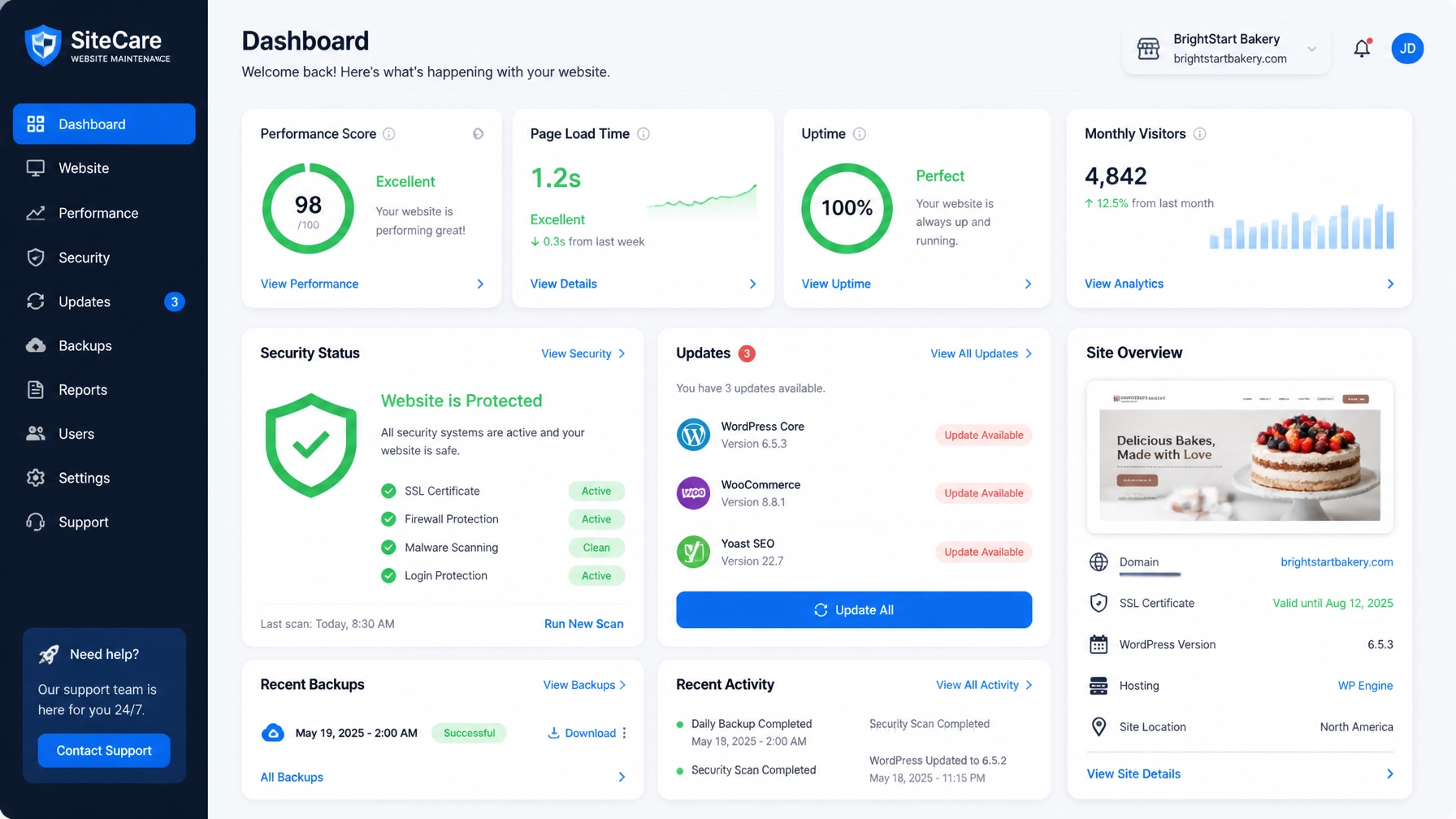
How to Fix It: Implement a multi-layered security strategy that includes a Web Application Firewall (WAF), regular malware scanning, and the enforcement of strong password policies. Your firm should also ensure that an SSL certificate is active and properly configured to encrypt all data transmitted through your site. Professional security management is an essential component of protecting your digital credibility.
3. Neglecting Core CMS and Plugin Updates
Whether your site is built on WordPress, Joomla, or Drupal, the software powering it is constantly evolving. Developers release updates to patch security vulnerabilities and improve functionality. When you ignore these updates, you leave your "digital maître d’" vulnerable to technical failures and malicious attacks. Furthermore, outdated plugins can lead to "plugin conflict," where two pieces of software stop communicating, potentially crashing your entire website or breaking essential features like contact forms.
How to Fix It: Establish a monthly or bi-weekly update schedule. Before applying major updates to your live site, it is crucial to test them in a "staging" environment to ensure they do not disrupt your web design for small business layouts. If you lack the technical expertise to handle these conflicts, hiring a professional service to manage these updates is a strategic investment.
4. Failing to Store Backups Off-Site
Imagine waking up to find your website completely gone due to a server failure or a malicious hack. If your only backups are stored on the same server as your website, you may lose everything. Many business owners mistakenly believe their host’s "daily backup" is sufficient, only to find that those backups are either corrupted or inaccessible when the server itself goes down. This single point of failure can be catastrophic for a local business.
How to Fix It: Utilize a redundant backup system that stores copies of your website in a separate, secure cloud location (such as Amazon S3 or Google Cloud). Backups should be automated and performed daily. More importantly, your team or your maintenance provider must conduct a "test restore" periodically to verify that the data can actually be recovered in an emergency.
5. Overlooking Page Speed and Mobile Performance
In an era of instant gratification, your customers will not wait for a slow website to load. High-resolution images, bloated code, and excessive plugins can drag your loading times down, causing a high "bounce rate" where visitors leave before seeing your services. Furthermore, search engines like Google now prioritize mobile-first indexing, meaning a slow or poorly optimized mobile site will actively damage your visibility in local search results.

How to Fix It: Regularly audit your site’s performance using professional tools to identify "bottlenecks." Fixes often include image compression, browser caching, and the removal of unnecessary scripts. For businesses targeting a local audience, integrating local seo services with performance optimization is crucial for maintaining a competitive edge in your service area.
6. Ignoring "Quiet" Errors: Broken Links and 404s
Over time, websites naturally develop "bit rot." You might change a service name, delete an old blog post, or link to an external resource that no longer exists. These broken links create a frustrating user experience and signal to search engines that your site is not being maintained. For a professional firm, a "404 Page Not Found" error is the digital equivalent of a "Closed" sign during business hours.
How to Fix It: Perform a monthly scan of your entire site to identify dead links and broken images. When you move or delete pages, always implement a 301 redirect to guide users to the most relevant current page. This preserves your SEO authority and ensures a seamless journey for your potential clients. Regular audits are a core part of internet marketing and SEO hygiene.
7. Letting Content Go Stale and Outdated
A website that hasn't been updated since 2022 suggests to a customer that your business might not be active. Whether it is an old pricing list, a former employee still listed on the "About" page, or a blog that stopped three years ago, stale content erodes trust. Your website should be a living document that reflects the current state of your competence and service offerings.
How to Fix It: Treat your website like a dynamic marketing tool. Set a quarterly reminder to review all key pages for accuracy. If you don't have the time to write new content, consider using social media management services to feed your latest updates directly onto your site. Keeping your content fresh ensures that both search engines and customers see you as a modern, reliable authority.
Professional Summary
Maintaining a professional website is a complex, ongoing process that requires more than just a one-time design. By avoiding these seven common pitfalls: from neglecting security to ignoring performance: you ensure that your "virtual front door" remains open and inviting. Strategic website maintenance is about more than just fixing bugs; it is about protecting your investment, improving your conversion rates, and building a foundation for long-term growth.
At MastroTek Website Design, we specialize in taking the technical burden off your shoulders. We understand that as a business owner, your focus should be on your customers, not on troubleshooting plugin conflicts or security patches. Our expert team provides the proactive care your site needs to stay fast, secure, and visible.

Ready to stop worrying about your website and start growing your business?
Partner with a team that treats your online presence with the same care you give your clients. Request a free estimate today and let us handle the technical details while you focus on what you do best.